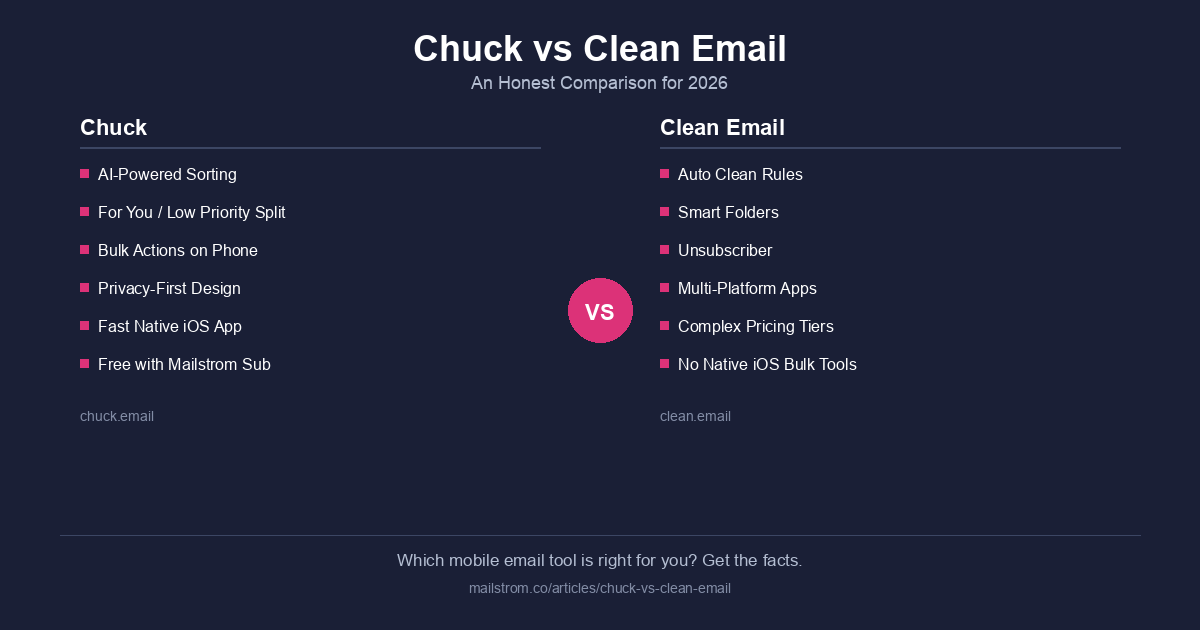
Your inbox is a disaster and you want to fix it from your phone. Fair enough. Two apps keep coming up: Chuck and Clean Email. Both promise to tame your email. But Chuck is a full email client built mobile-first with unmatched batch processing. Clean Email is a cross-platform management tool that added a mobile app later. The difference shows.
Here's how they compare — honestly, with numbers.
Quick Comparison
| Feature | Chuck | Clean Email |
|---|---|---|
| What it is | Full iOS email client with superior batch processing | Cross-platform email management tool |
| App Store rating | 4.8/5 (nearly 15,000 ratings) | 4.5/5 |
| Primary platform | iOS (iPhone, iPad, Mac via Catalyst) | iOS, Android, Web |
| Email sending | Yes | No (management tool, not a client) |
| Bulk cleanup | One-tap batch delete, archive, sort | Smart Folders with bulk actions |
| Unsubscribe | One-tap unsubscribe | Automated unsubscribe with follow-up blocking |
| AI features | "For You" and "Low Priority" smart filters | Smart Folders auto-categorization |
| Privacy | OAuth2, no data selling, Google & IBM certified | OAuth, no password storage |
| Free tier | Yes — free to use with metered paywall for heavy usage | Trial only (1,000 emails) |
| Paid pricing | $6.99/month or $49/year (Pro) for unlimited use | $9.99/month or $29.99/year |
| Companion product | Mailstrom (web, bulk management) | None (standalone) |
What Makes Chuck Different
Chuck is a full email client — you can read, send, and manage email all day from it. But unlike other email clients, Chuck was designed from the ground up for fast batch processing and intelligent triage. It groups your messages by sender, subject, and time period, then lets you act on entire groups with a single tap. Every email from a sender you no longer care about? Gone. Everything older than six months? Archived. That newsletter you never read? Unsubscribed. Chuck handles it while your coffee is still hot.
Clean Email takes a broader approach — cross-platform, automation features, Smart Folders, Unsubscriber tool. But it's a management tool, not an email client. You can't read or send email from it. You still need a separate email app for your daily workflow. Chuck is the daily email app AND the cleanup tool in one.
Where Chuck Wins
Full Email Client + Batch Processing Power
This is the fundamental advantage. Chuck is your email app — read, reply, send — AND it has the best batch processing on mobile. You don't need two apps. Clean Email requires you to use a separate email client alongside it. Chuck does both jobs.
Speed and Simplicity on Mobile
Chuck's interface was built for thumbs. Taps and swipes. Processing hundreds of emails in a few minutes is not aspirational — it's the default experience. The AI sorts everything into "For You" and "Low Priority" so you always know what needs attention.
Clean Email's mobile app is functional, but it's a responsive version of its web interface. It works. It doesn't feel like it was born on a phone. Chuck does.
AI That Knows Its Place
Chuck's "For You" and "Low Priority" filters analyze your email patterns and surface what you probably want to deal with. Then they wait. The AI recommends. You decide. Nothing moves or deletes without your say-so.
Think of it this way: Chuck already figured out which emails are wasting your time. It just needs you to confirm.
Price
Chuck is free to use — a metered paywall activates for heavy usage, encouraging power users to go Pro. Pro — unlimited use, multiple accounts, advanced features — runs $6.99/month or $49/year.
Clean Email's free trial burns through 1,000 emails. If you have a real inbox problem, that lasts about five minutes. After that: $9.99/month or $29.99/year.
User Ratings Tell the Story
4.8 out of 5. Nearly 15,000 App Store reviews. That's not a small sample of enthusiastic early adopters. That's a large user base, consistently, over years. Users praise the speed. They praise the simplicity. They keep coming back.
Active Development
Chuck ships regular updates with new features. Not a side project. Not abandoned. Chuck is built by 410 Labs, which has been solving email problems for over a decade. The team knows what it's doing.
Where Clean Email Wins
Cross-Platform Availability
Clean Email works on iOS, Android, and the web. Chuck is available on iOS and Mac. If you're on Android, Clean Email is the clear choice between these two. (Worth noting: Mailstrom, Chuck's web-based sibling from 410 Labs, works on any device with a browser.)
Automation
Clean Email's Auto Clean feature lets you set rules that run on incoming email automatically. Delete newsletters on arrival. Archive social notifications. If "set it and forget it" is your approach, Clean Email offers more automation.
Chuck is hands-on by design. It gives you the tools and gets out of the way. You initiate the actions. You stay in control.
Unsubscribe Follow-Through
Clean Email's Unsubscriber sends the unsubscribe request. If the sender ignores it, Clean Email blocks and deletes future emails from that sender automatically. Chuck's unsubscribe works well, but Clean Email adds that enforcement layer. Credit where it's due.
The Privacy Question
Both apps use OAuth2. Neither stores your password. Neither sells your data.
But context matters. Chuck is built by 410 Labs, the same team behind Mailstrom — a product with Google and IBM security certifications and over a decade handling sensitive email data responsibly. Major publications including The New York Times, The Wall Street Journal, and TechCrunch have endorsed the team's approach. That institutional track record extends to Chuck.
Clean Email has solid privacy practices. But as a tool with broader automated access to your email, there's more surface area. Any time you grant an app more automated control over your inbox, you're making a trust decision. Choose accordingly.
The 410 Labs Ecosystem
One advantage that doesn't appear in feature tables: Chuck is part of a broader email management ecosystem.
Chuck is your full mobile email client with batch processing superpowers. Mailstrom handles deep, web-based inbox management with powerful grouping and bulk action tools. Together, they cover the full range — daily mobile email and serious web-based cleanup — from a company with a decade-plus track record in email security.
Clean Email is a standalone management tool. It covers a lot of ground, but it doesn't give you a complete email experience. You still need another app for reading and sending email.
The Verdict
Choose Chuck if: - You use an iPhone or iPad - You want one app for daily email AND fast batch cleanup - You prefer AI that suggests rather than decides - You value a proven privacy-first track record - You want the option to pair with Mailstrom for web-based management
Choose Clean Email if: - You need Android support - You want automated rules that run without your input - Cross-platform access from a single product is important - You prefer a hands-off approach to email management
For iPhone users, Chuck is the better choice — and it's not close. It's a full email client with the best batch processing on mobile. More focused. Better rated. Backed by a team that's been at this for over a decade. And unlike Clean Email, you don't need a second app to actually read your email.
Your inbox has been getting away with it long enough. Chuck's here to settle the score.